1:overview
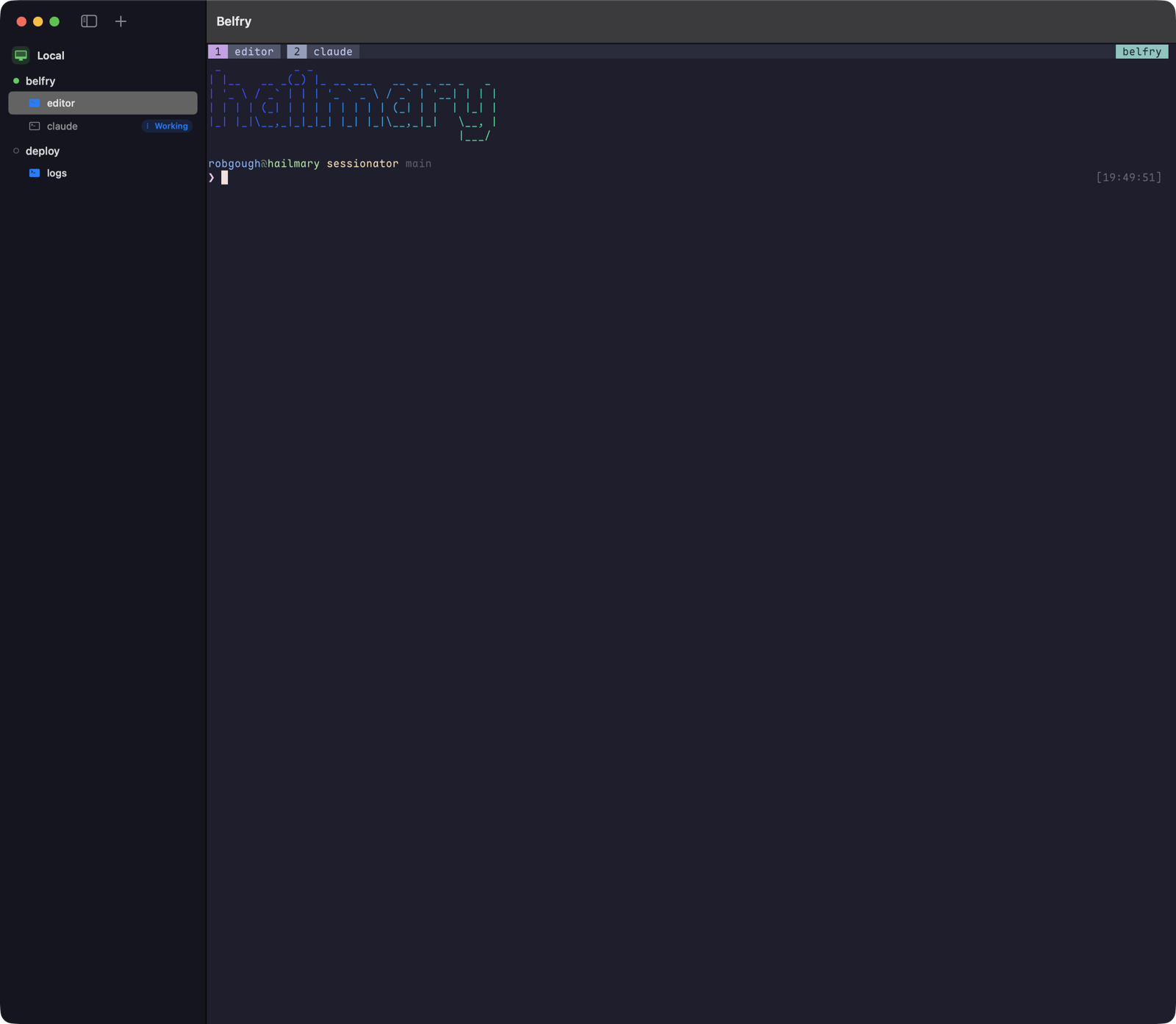
2:features
-
instant switching
Every visited session keeps a warm, attached surface. Changing sessions is a visibility toggle, not a re-attach.
-
pin what matters
Pin a session — or a single window — and it floats to a Pinned section at the top of the sidebar, above every host, with its live agent badge along for the ride.
-
the file pane
⌥⌘I opens a file browser beside the terminal, following the selected window's working directory — local or over SSH on the same connection. Space for Quick Look, double-click for a syntax-highlighted preview, and a git-aware Changes view with per-file diffs.
-
drag-and-drop transfers
Drop files onto the pane to copy them onto the host; download with a click the other way. Transfers run in the background with progress in the toolbar — closing the pane never interrupts one.
-
sessions outlive the app
On macOS the local tmux server is started under launchd, so even force-quitting Belfry can't take your sessions down.
-
battery-conscious
Hidden sessions absorb output without rendering, and the idle app measures ~0% CPU.
-
native rendering
Terminals on both platforms render with libghostty — the engine inside Ghostty. Pick from twenty built-in themes — Catppuccin, Tokyo Night, Gruvbox, Solarized and friends — and the whole app follows; bundled Maple Mono NF keeps nerd-font glyphs sharp on iPad.
-
made for remote work
SSH connection sharing and a native askpass dialog on macOS. On iPad: Keychain-stored credentials, a floating key dock with saved commands, instant warm resume after backgrounding — plus optional Keep Alive for up to an hour. Pairs beautifully with Tailscale.
3:agents
Run Claude Code, Codex, OpenCode or pi inside your tmux windows and the sidebar's Agents section sorts them by what needs you: Needs You first, then Just Finished, then Working — with each one's project and branch, what it's doing right now, and its uncommitted +/−. ⌘1–9 jumps straight to one; ⇧⌘A opens an Agents window with the full table.
Per-host status hooks install (and uninstall) with one click, and never touch your other hooks. On macOS the Dock badge counts only the agents waiting for you — you notice from across the room, and only when it matters.
4:build
No toolchain needed on the Mac: brew tap robgough/belfry && brew install --cask belfry, or download the notarized DMG (universal, macOS 14+) and drag it to Applications. Or build from source:
macOS 14+
# needs tmux (brew install tmux) + Xcode
git clone https://github.com/robgough/belfry
cd belfry
scripts/make_app.sh release
open Belfry.app
iPadOS / iOS 17+
# needs xcodegen (brew install xcodegen)
git clone https://github.com/robgough/belfry
cd belfry
xcodegen generate
open BelfryiOS.xcodeproj  # set your team, run
Add hosts in-app: hostname, user, and a password or ed25519 key. Secrets go in the Keychain, never in the hosts file. The remote end just needs sshd and tmux.
5:how it works
Each host gets two planes. The control plane is a tmux -C client attached to a hidden per-launch session — it feeds the sidebar and issues actions, and never sizes your real sessions. The data plane is one terminal surface per visited session running tmux attach.
Both ride a per-platform transport behind a small seam: macOS forks PTYs and drives the system ssh with connection sharing; iPadOS speaks SSH in-process via SwiftNIO, running tmux as exec channels.
also from me — stayupfront
The all-in-one customer support platform for small B2B SaaS teams — one always-current portal for your customers, one workspace for your team.
stayupfront.com →